Memory Cards: Speed vs Capacity for Astro
```html
The Role of Memory Cards in Astrophotography
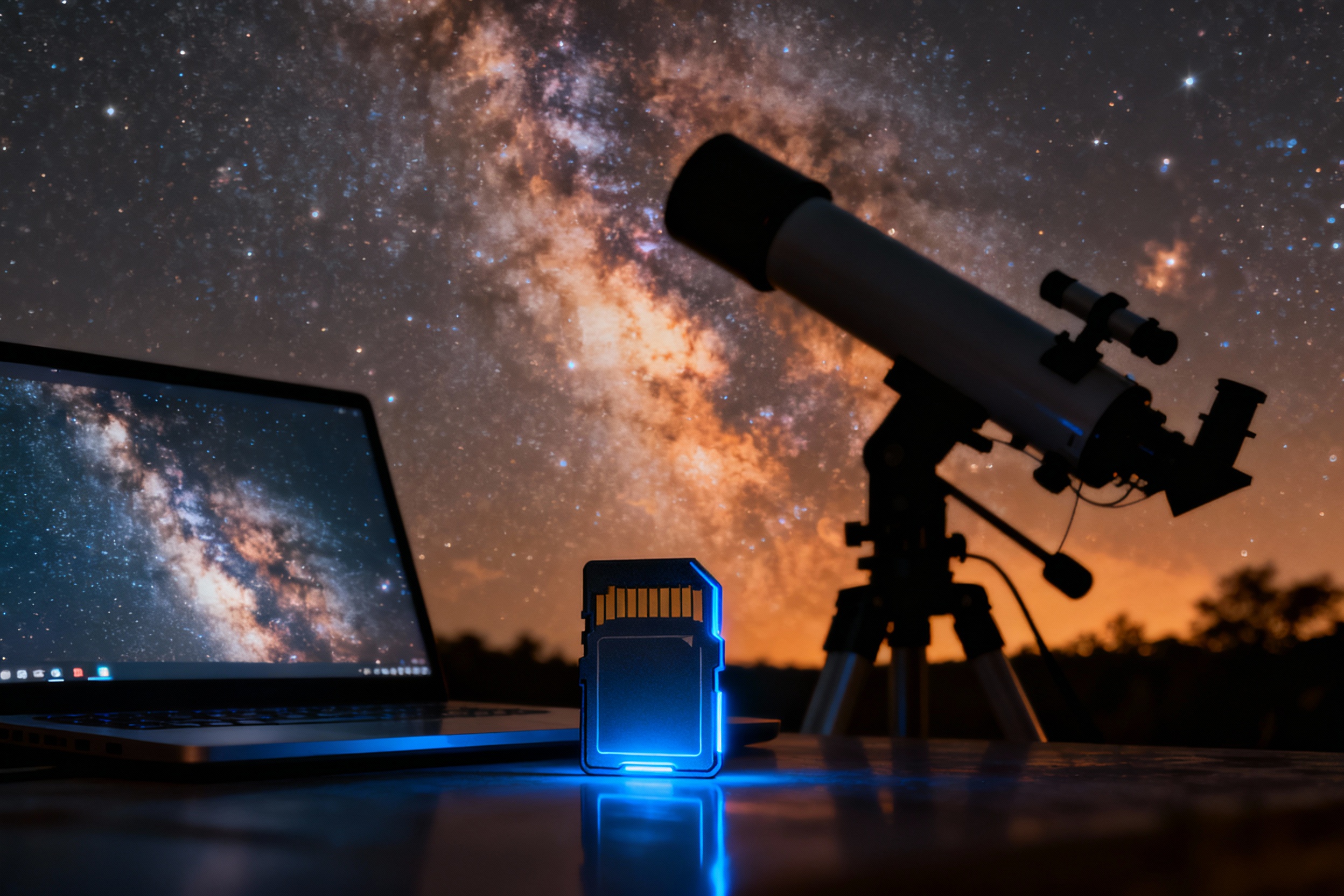
Astrophotography demands precision, patience, and the right tools. Among these tools, memory cards play a pivotal role in capturing and storing the fleeting beauty of celestial phenomena. Unlike everyday photography, astrophotography often involves long-exposure shots, high-resolution imaging, and massive file sizes. A memory card’s speed and capacity directly impact workflow efficiency, data security, and creative flexibility. This article explores the critical balance between speed and capacity, guiding astrophotographers toward informed decisions for their gear.
Understanding Speed: Why Write Rates Matter
Memory card speed, measured in megabytes per second (MB/s), determines how quickly data transfers from the camera’s buffer to the card. In astrophotography, cameras often shoot in rapid succession for stacking or time-lapses, requiring sustained write speeds. A slow card can cause buffer delays, missed shots, or corrupted files during long exposures. For example, modern mirrorless cameras shooting 4K video or 50MP RAW files need UHS-II or CFexpress cards with minimum write speeds of 250 MB/s. Speed also affects post-processing efficiency; transferring hundreds of gigabytes to a computer is faster with high-read-speed cards.
Capacity: Storing the Cosmos
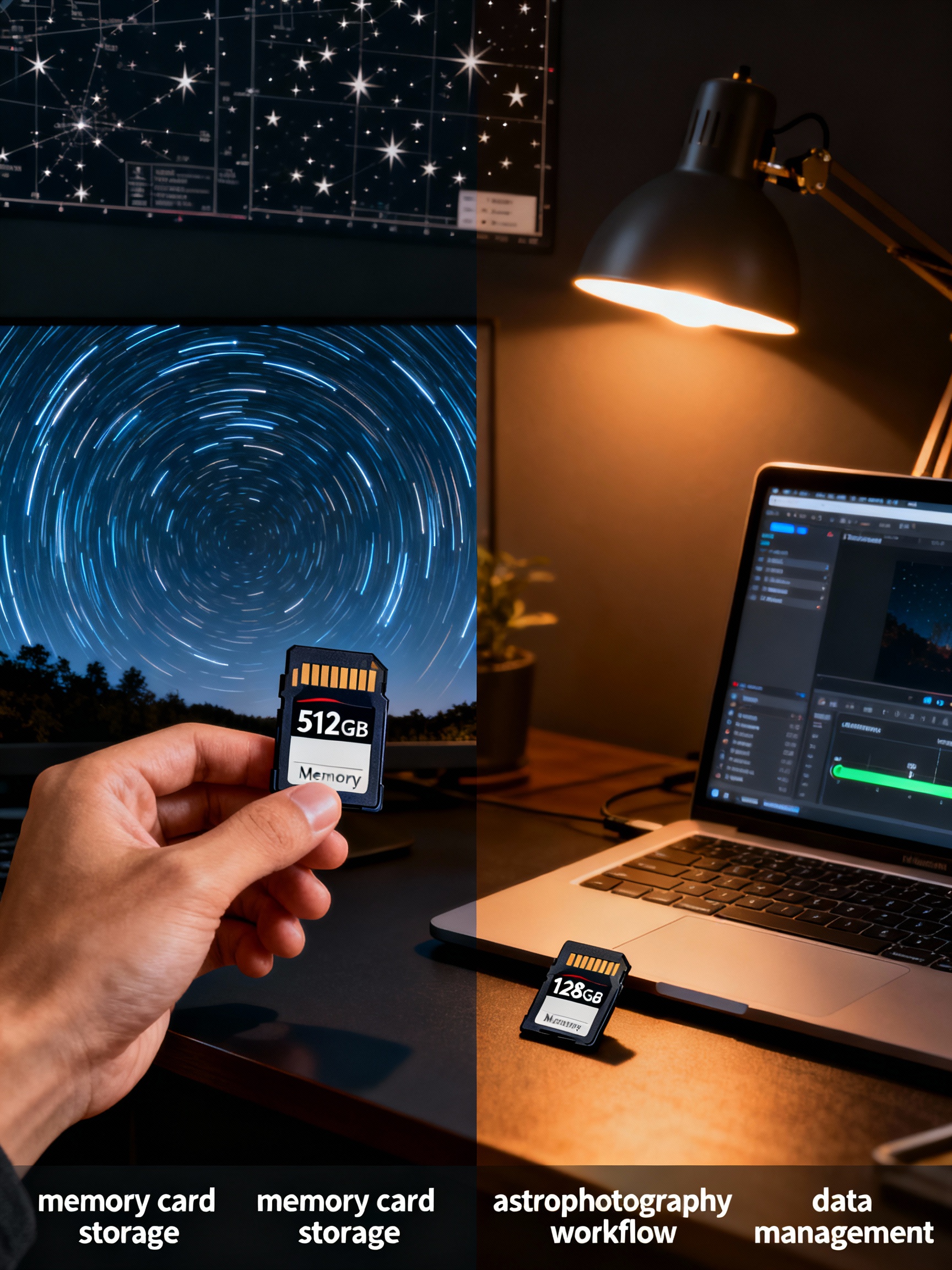
Capacity dictates how much data a card can hold before requiring a transfer. Astrophotographers shooting multi-hour timelapses or large-format RAW files may prefer 256GB or 512GB cards. However, larger capacities come with risks—losing a single card could mean losing an entire night’s work. Balancing capacity with redundancy is key. Some professionals use multiple mid-sized cards (e.g., 128GB) to distribute risk. Additionally, cards formatted in-camera often have slightly less usable space than advertised, so factoring in overhead is crucial.
Speed vs. Capacity: The Trade-Offs
High-speed cards typically cost more per gigabyte than high-capacity ones. For instance, a 256GB CFexpress card might cost twice as much as a UHS-I SD card of the same size. This trade-off forces astrophotographers to prioritize: Is it better to capture ultra-high-resolution Andromeda shots at 20fps (favoring speed) or to record a 10-hour timelapse of the Milky Way (favoring capacity)? Camera compatibility also limits options—older DSLRs may not support newer, faster formats. Budget, camera specs, and shooting style all influence this decision.
Real-World Scenarios: Choosing the Right Card
Consider these examples. A planetary photographer using a high-speed CMOS camera for 4K video might opt for a 128GB UHS-II card. Conversely, a deep-sky photographer capturing hours of 16-bit TIFFs could prioritize a 512GB card with moderate speed. Hybrid shooters, balancing stills and video, might carry both: a fast 64GB card for video and a 256GB card for stills. Weather-resistant cards are also vital for outdoor shoots, where dew or dust could compromise performance.
Future-Proofing Your Setup
As sensors and video resolutions evolve, so do memory card standards. Emerging formats like CFexpress 4.0 and SD Express 8.0 promise speeds exceeding 1 GB/s, but they require compatible hardware. Investing in backward-compatible cards or card readers ensures longevity. Additionally, cloud storage and portable SSDs now supplement physical cards, offering redundant backups for field work. The key is to build a system that adapts to both current projects and future advancements.
Final Thoughts for Astrophotographers
No single card fits every scenario. Balancing speed, capacity, and cost requires understanding your camera’s limits and your creative goals. Test cards under real shooting conditions—note buffer clearance times and transfer reliability. Prioritize reputable brands with strong warranties, as data loss in astrophotography can mean losing irreplaceable moments. By aligning your memory card choices with your artistic and technical needs, you’ll ensure the cosmos stays within reach, one shot at a time.